
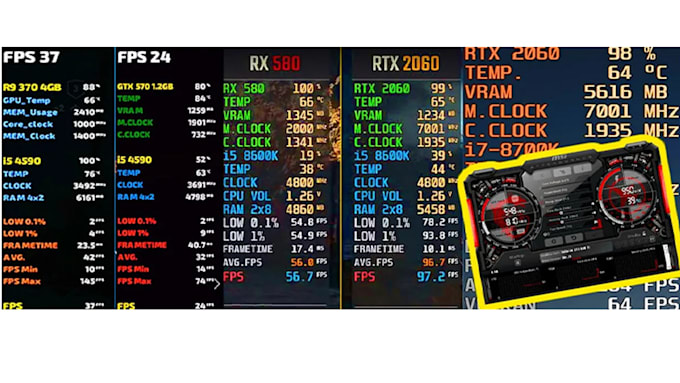
A minimal bundle that still tells truth
FPS, frametime, one temperature, and a power limit indicator cover most investigations. Add VRAM only when debugging texture-heavy scenes.
Profiles per title, not global chaos
Duplicate a baseline profile before experimenting with injection modes. Some games need borderless for overlays; fullscreen exclusive paths differ by API and title.
Scanline sync is optional science
It can change tearing perception on some displays and make things worse on others. Treat it as a lab toggle, not a default win button.
Respect competitive rules
Some online titles disallow overlays entirely. Use allowed tooling or post-match log review instead of arguing with policy.
Loop back to hardware
If frametime spikes correlate with power throttling, revisit thermals and fan policy before blaming the game build.