
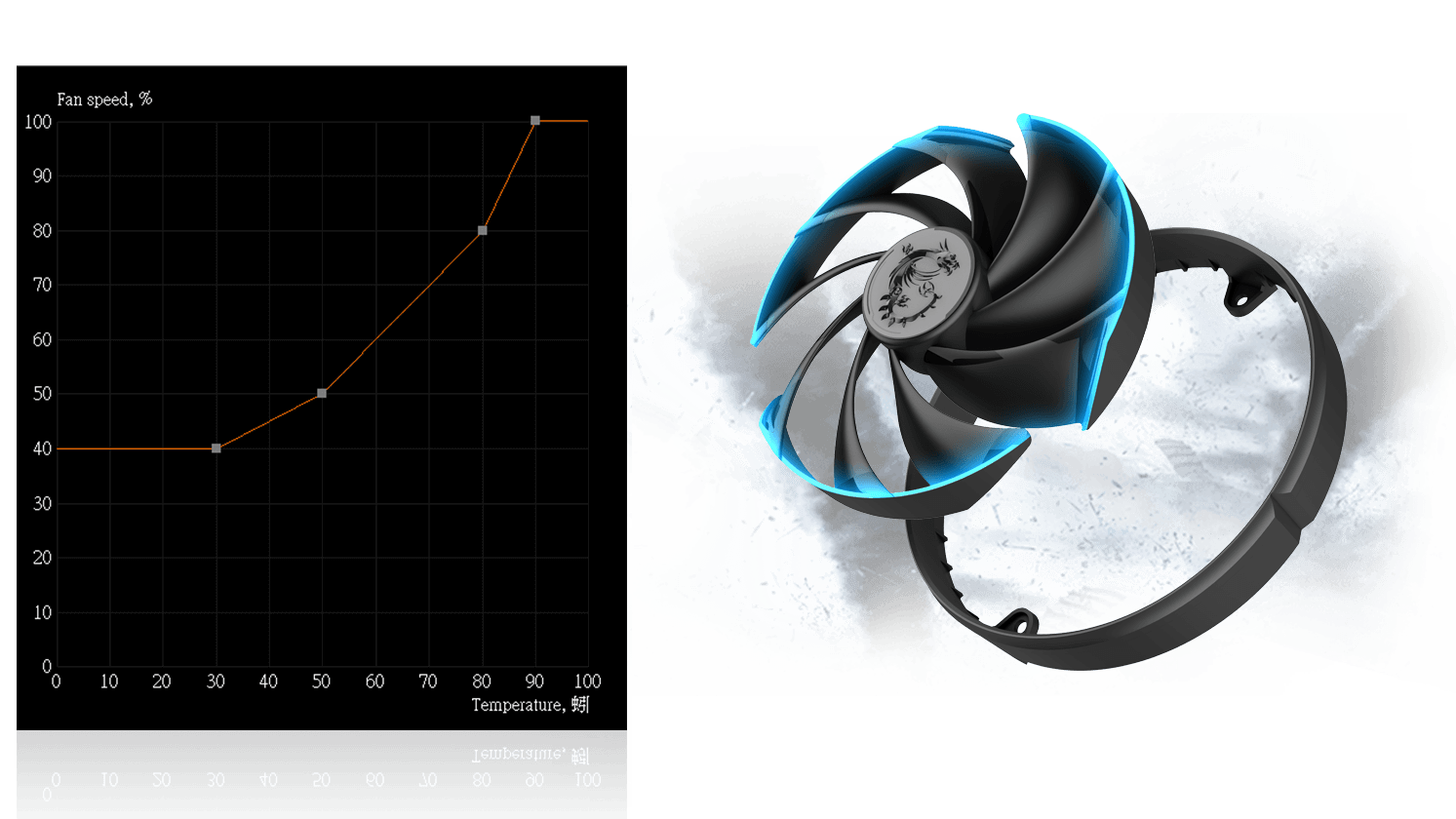
Targets from your own histogram
Log typical gaming temperatures for thirty minutes. Anchor the curve around that band instead of copying a chart meant for open benches.
Steep stairs cause audible yo-yo
Replace tight vertical segments with gentler slopes through the mid-60s zone (example band. Yours may differ). If firmware applies its own smoothing, extreme zigzags still waste your time.
Case airflow is upstream of fan drama
If GPU fans ramp while intake is starved, you are hearing the GPU compensate for the case. Fix pressure balance before chasing another degree at the cost of whine.
Laptops: verify anything actually applies
Some models honor only a subset of requests or override under battery power. If repeated changes never move RPM, research EC behavior for that SKU before iterating.
Next tuning move
Once noise stabilizes, revisit power limits: a modest cap can reduce fan duty without the feel of a large underclock.